01 /
Make intake more consistent
Bring the starting records and unanswered questions together before detailed bookkeeping or review begins.
Create a more consistent path from intake to review with professional services, financial workflow resources and optional KBPOS software.
Missing documents, unclear requests and work scattered across separate systems can slow down even a well-run financial practice. A useful workflow makes it easier to see what has arrived, what needs attention and who owns the next step.
KanderBooks offers templates and online wizards for repeatable financial tasks, professional services for an agreed engagement, and KBPOS for connected records and client collaboration. Choose the level of support around the work you need to improve.
Bring the starting records and unanswered questions together before detailed bookkeeping or review begins.
Keep reconciliations, missing items and review notes organized so each reporting period has a clearer finish.
Connect documents, questions and approvals with the financial work they support, with access appropriate to the client and role.
Delegate an agreed scope to KanderBooks. Start with one service or discuss a combination around your records, workload and goals.
Discuss transaction organization, reconciliations, cleanup and reporting for a clearly defined engagement.
Explore bookkeeping ↗Coordinate the records and preparation questions that need professional review as part of a separate tax service scope.
Explore tax preparation & planning ↗Turn the financial records into budgets, forecasts and performance discussions that help owners understand their options.
Explore financial planning & analysis ↗Services are scoped and quoted separately. A software subscription or template purchase is not required to start a service conversation.
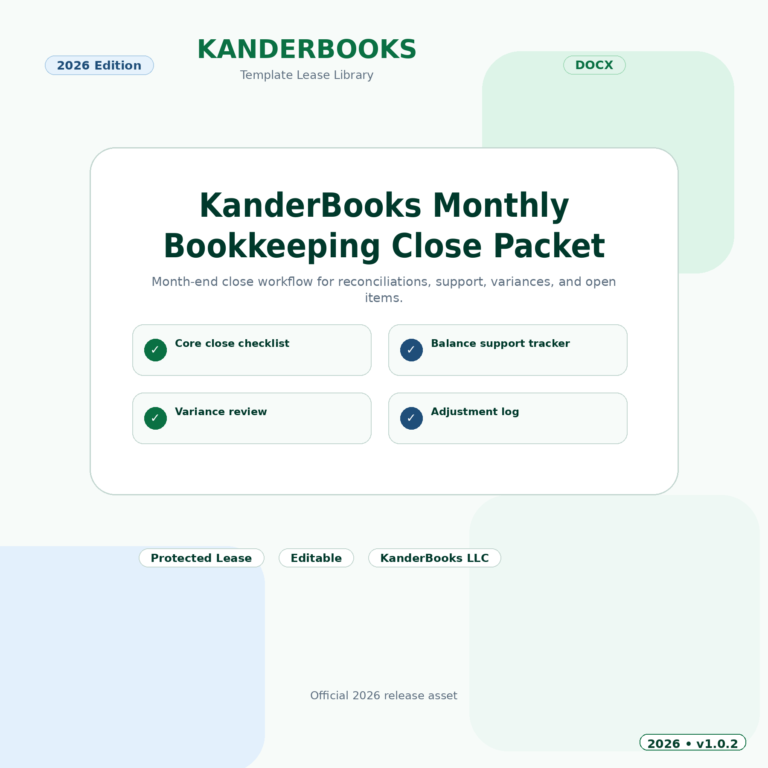
The intake and cleanup diagnostic, monthly close and receivables wizards offer structured starting points for common financial workflows. If you plan to use a resource across client engagements, review the license and permitted use for that product or Etsy listing before purchase.
Turn a scattered bookkeeping handoff into a clear, prioritized cleanup plan with guided intake, account reconciliation checks, issue tracking, and reviewer-ready exports.
Move from account readiness through reconciliations, close tasks, exception review, and sign-off with a repeatable monthly bookkeeping workflow.
Build a disciplined receivables workflow with customer balances, invoice aging, collection activity, disputes, payment plans, and management-ready follow-up priorities.
Explore our resources, compare what is included and review access terms here on KanderBooks. Already purchased on Etsy? Activate eligible access through the Etsy claim page.
A resource purchase is separate from a professional service engagement or KBPOS subscription. Choose the format and access terms that fit your needs.
KBPOS Core brings financial records, documents, messages and approvals into one governed workspace. Optional CRM Pro helps organize practice relationships and follow-up. Bring your client-workflow and access requirements to a demo so the setup can be assessed against how your practice operates.
A shared workspace for financial records, invoices, bills, reports and secure client collaboration.
Loading current price…Keep contacts, accounts, deals and follow-up tasks connected to your business.
Loading current price…Identify the available accounts, reporting periods, supporting records and open questions before setting the scope.
Use a defined checklist and agreed responsibilities to track the records and work needed for the period.
Resolve outstanding questions and make the reports, decisions and next actions easier to follow.
Clear answers help you choose with confidence. If your situation needs a conversation, we’re here to help.
Talk through your question ↗They address common intake, close and record-organization workflows. Review the product scope, license and permitted client use to decide whether a particular resource fits your practice.
Ask about a defined bookkeeping, tax or planning engagement. Deliverables, responsibilities and boundaries are confirmed before the engagement starts.
KBPOS uses role, client scope, enabled modules and paid access checks to determine what an actor can use. Your team structure and required workflows should be reviewed during setup.
Those arrangements are not implied by a software subscription or resource purchase. Contact us to confirm permitted use and any proposed service arrangement.