
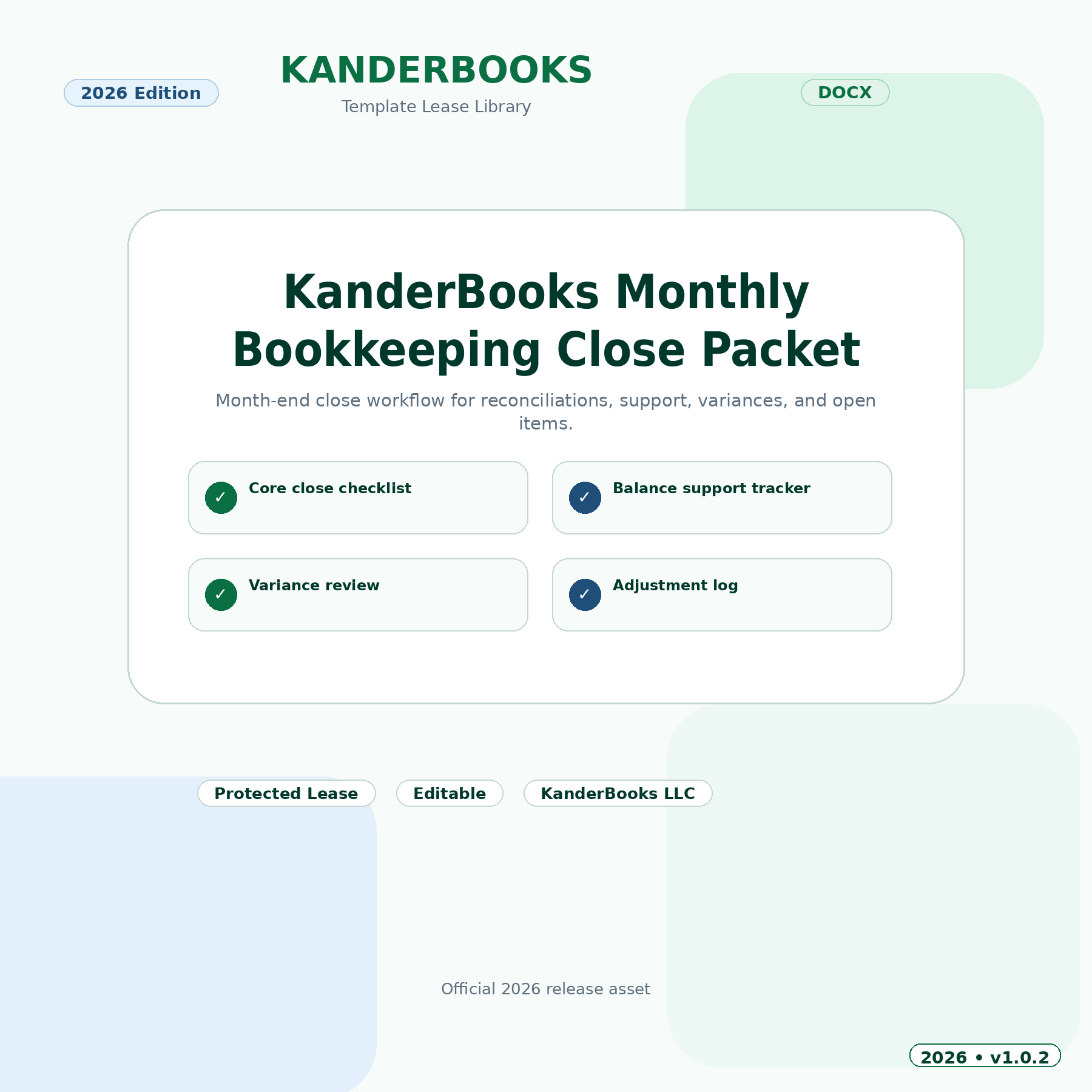
Run a consistent monthly bookkeeping close
The Monthly Bookkeeping Close Wizard turns a scattered month-end checklist into an accountable, step-by-step close process with owners, statuses, due dates, exceptions, and final review.
Use this monthly bookkeeping close checklist to replace scattered notes and repeated client questions with one clear, reviewable process. Progress is saved to the licensed KanderBooks account so the client can pause, return, and continue without starting over.
What this wizard helps you organize
- Bank, credit-card, loan, and payment-processor readiness.
- Reconciliation and period-end close tasks.
- Open exceptions, owners, due dates, and supporting documents.
- Reviewer notes, completion status, and sign-off.
How the guided workflow works
Confirm source records, complete each close area, resolve or document exceptions, and preserve a professional close record for the month.
Each step focuses on one group of decisions. Helpful field guidance explains what belongs in the answer, shared profile details are reused when the same information is needed again, and optional CSV or Excel import can map recognized spreadsheet columns into the appropriate fields. Imported values remain available for review before completion.
Best for
Bookkeepers, accounting firms, controllers, and small-business owners who want a dependable month-end close routine.
A professional, reusable client handoff
Clients can save work securely, review missing items and exceptions, and produce a branded KanderBooks completion package. The final record includes the licensed user, completion time, summarized answers, and links back to the account and support center. This creates a cleaner handoff for the client, bookkeeper, accountant, or reviewer.
Secure licensed access
Each purchase grants one named KanderBooks account 365-day online access with no automatic renewal. The wizard itself is not a downloadable file and may not be shared, transferred, resold, or sublicensed. License length, renewal terms, and any lifetime option are shown on the product and checkout pages.
Raw spreadsheet uploads are validated, used only to map recognized fields, and are not added to the media library. Access is checked again during saving, importing, completion, and completion-package download.
Questions before you begin?
Visit the KanderBooks Support Center for help with access or workflow questions, or return to the Online Wizard Leasing Library to compare available guided tools.
Important: This wizard is an organizational and planning tool. It does not provide tax, legal, accounting, investment, or financial advice. Review filing, payment, and compliance decisions with a qualified professional.
Reviews
There are no reviews yet.